-
×
 Modern Implant Dentistry
1 × $29.99
Modern Implant Dentistry
1 × $29.99 -
×
 Prosthesis and Tissues (Prosthetic Management of Periodontal and Peri-Implant Tissues)
1 × $99.99
Prosthesis and Tissues (Prosthetic Management of Periodontal and Peri-Implant Tissues)
1 × $99.99 -
×
 The 6th Penn Periodontal Conference 2023
1 × $49.99
The 6th Penn Periodontal Conference 2023
1 × $49.99 -
×
 The Essentials Of Perio Course
1 × $199.00
The Essentials Of Perio Course
1 × $199.00 -
×
 Case Studies in Oral and Maxillofacial Surgery
1 × $29.99
Case Studies in Oral and Maxillofacial Surgery
1 × $29.99 -
×
 Implant Ninja, Implant Surgery 101
1 × $199.00
Implant Ninja, Implant Surgery 101
1 × $199.00 -
×
 Aesthetic Evolution
1 × $79.99
Aesthetic Evolution
1 × $79.99 -
×
 Bone and Soft Tissue Augmentation in Implantology
1 × $29.99
Bone and Soft Tissue Augmentation in Implantology
1 × $29.99 -
×
 Hard and Soft Tissue Ridge Augmentation and Esthetic Crown Lengthening
1 × $199.00
Hard and Soft Tissue Ridge Augmentation and Esthetic Crown Lengthening
1 × $199.00 -
×
 Implant Prosthodontics: Protocols and Techniques for Fixed Implant Restorations (Scanned)
1 × $99.99
Implant Prosthodontics: Protocols and Techniques for Fixed Implant Restorations (Scanned)
1 × $99.99
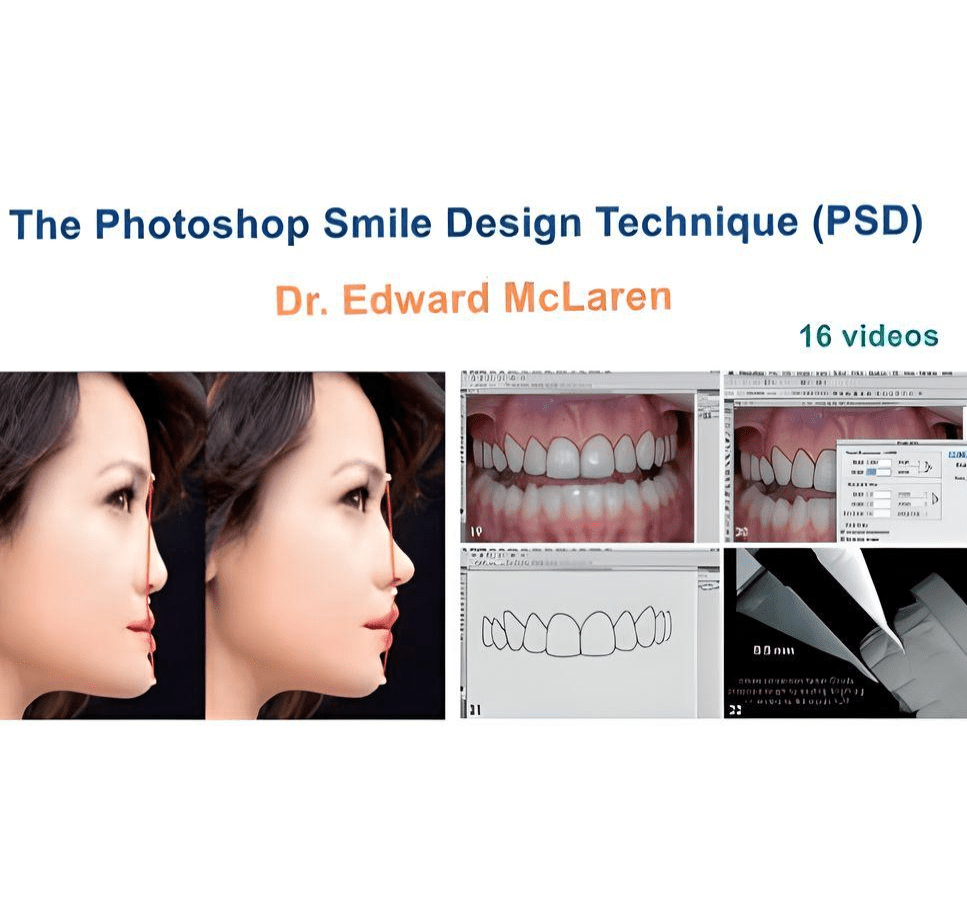

Comprehensive Photoshop Smile Design for Dental Professionals
This comprehensive online program is designed to teach dental professionals the skills of using Photoshop to do a quick smile design. Topics include how to use layering, masking, liquify tool, warp tool, and the included project files to use to build your own collection of library teeth. This program includes a required assignment at the conclusion that will measure the member’s level of understanding and test his or her knowledge. Successful completion of the assignment is required to receive a virtual badge of completion.
Course Outline
- Chapter 1: Introduction
- Chapter 2: Smile Design Images
- Chapter 3: Photoshop interface Set-Up
- Chapter 4: Using Camera RAW & Working with Layers
- Chapter 5: Using Selections, Masks & Liquify Tool
- Chapter 6: Digital Bleaching with Dodge Tool
- Chapter 7: Using Free Transform & Warp Tool
- Chapter 8: Using Library Teeth in Photoshop Smile Design
- Chapter 9: Fixing Image Rotation Problems
- Chapter 10: Aligning Images
- Chapter 11: Measuring in Photoshop
- Chapter 12: Creating Aspect Ratios
- Chapter 13: Creating Tracings & Selections of Individual Teeth
- Chapter 14: Full PSD Technique: Using Imported Teeth
- Chapter 15: Full PSD Technique: Re-Designing Patient’s Teeth
- Chapter 16: Presenting to the Patient
Presented by: Dr. Edward McLaren
16 videos – Duration: 4 hours – Files size: 2.8 GB
Be the first to review “The Photoshop Smile Design Technique (PSD)”
Related products



Reviews
There are no reviews yet.